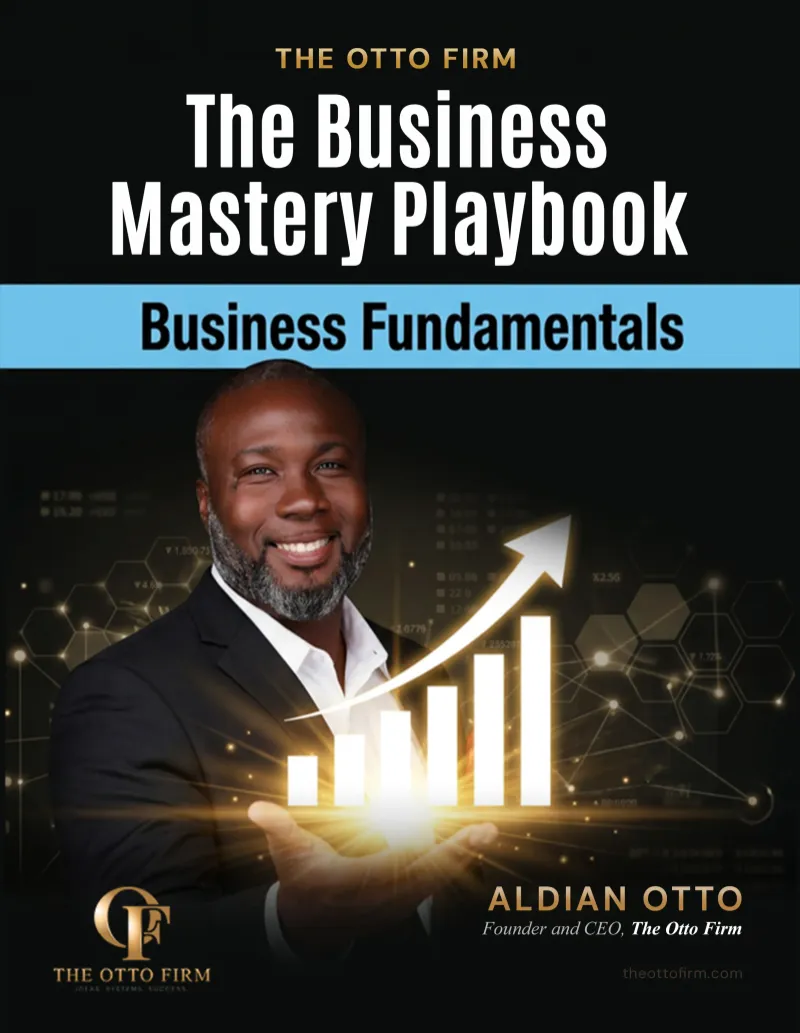
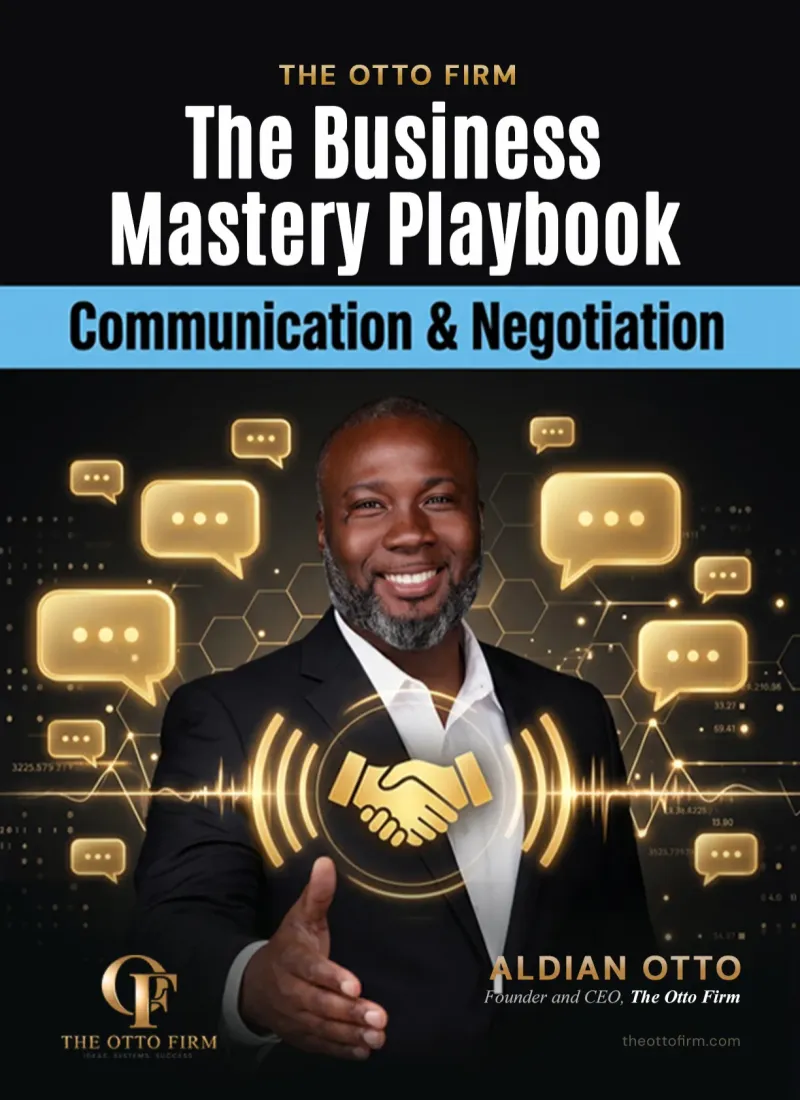
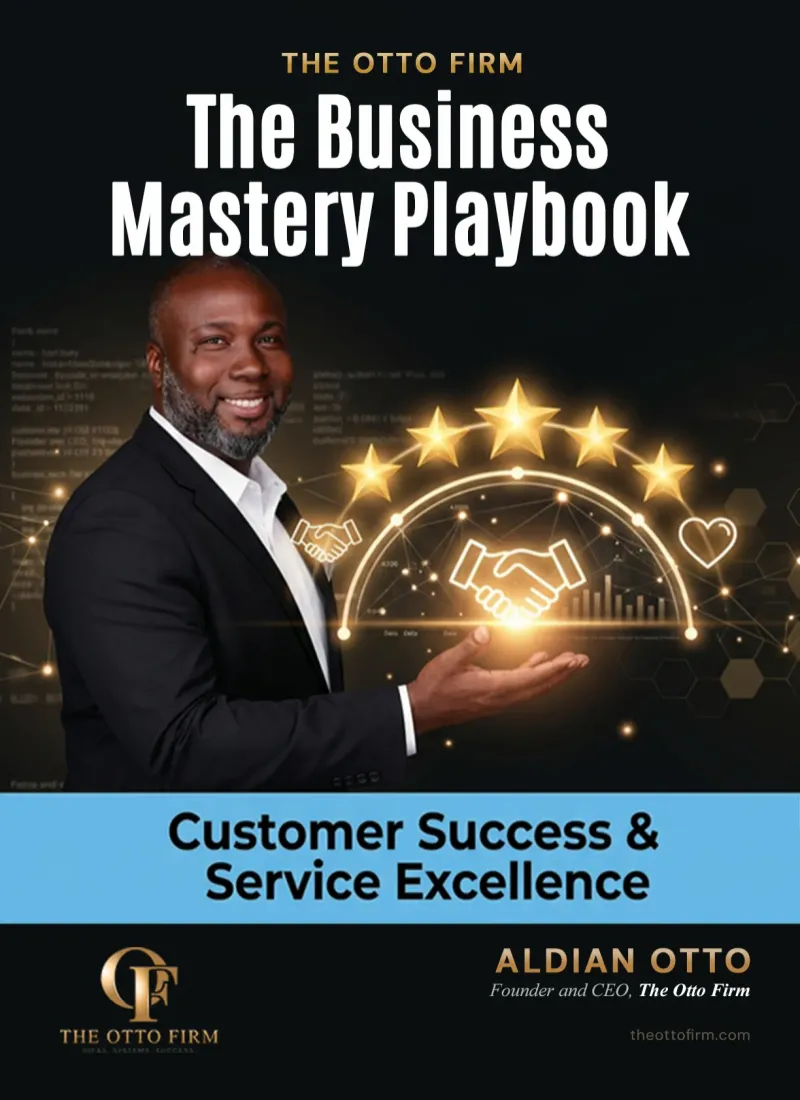
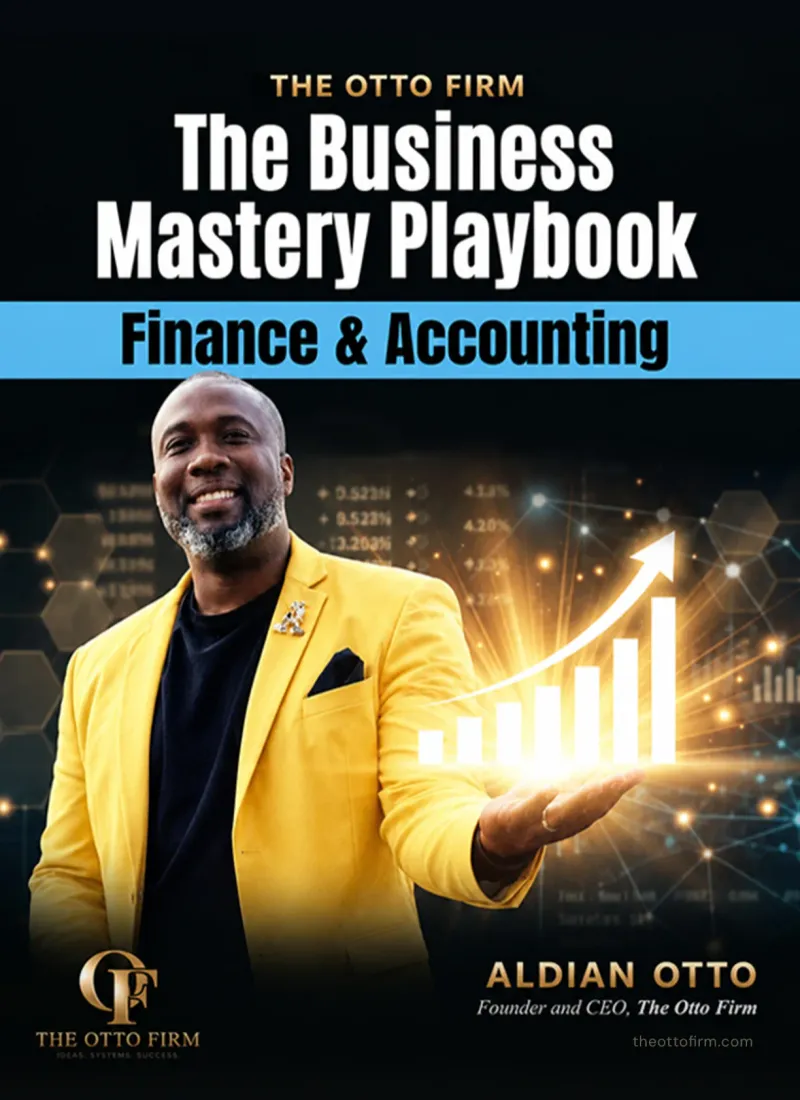
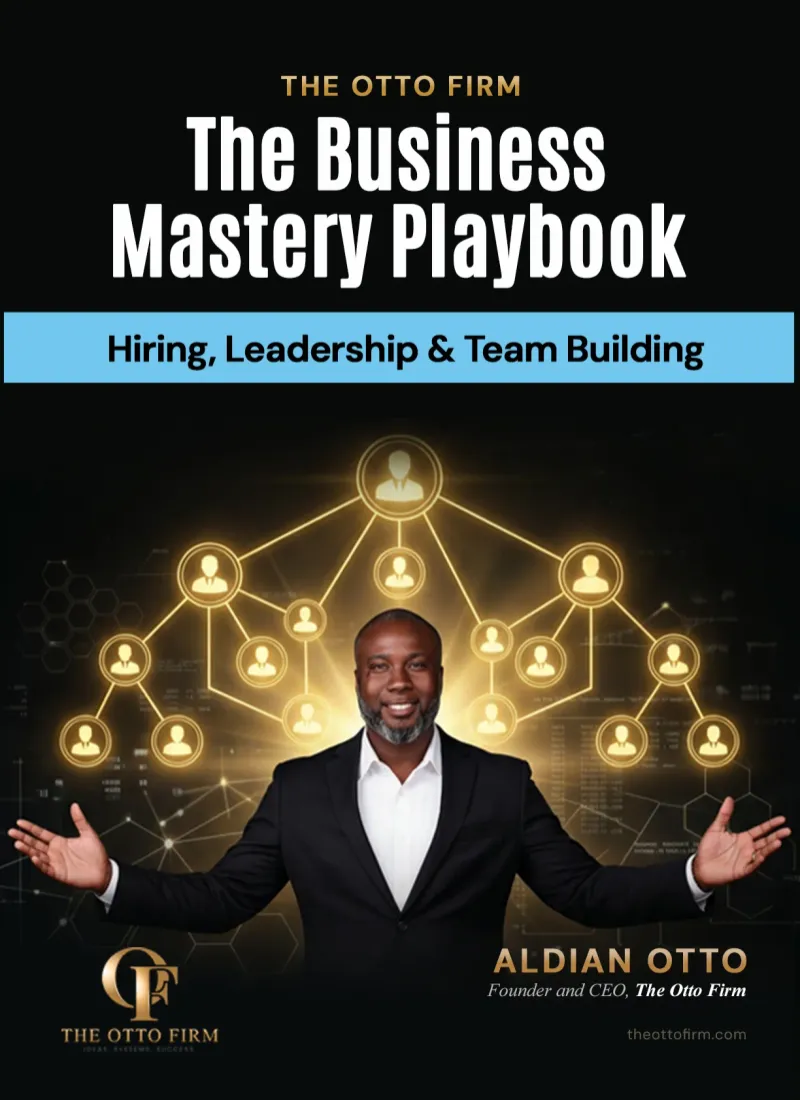
Learn What Successful Businesses Do, One Ebook at a Time
Whether you're launching a startup or leading a growing team, find ebooks that help you make smarter decisions and get results


Let's Make Your Vision A
Reality
At The Otto Firm, we specialize in customizable promotional items designed to elevate your brand's visibility. With a wide range of products tailored for effective marketing campaigns, we empower businesses to make a lasting impression on their audience.
Our mission is simple: to provide innovative marketing solutions that meet and exceed our clients' needs. From branded apparel to tech gadgets, we offer a diverse selection of practical and memorable promotional items for every occasion.
Your Customizable Marketing Merchandiser
Elevate Your Brand and Leave a Lasting Impression with Personalized Promotional Solutions Tailored to Your Business Needs. Stand Out in the Market, Engage Your Audience, and Drive Results with Customizable Merchandise from BrandBoost.
What Client Our Says About Us

Company Name should look
for ones that are specific,
detailed, and highlight the
unique benefits of working with
the company.
Alex John Martin
Manager
Company Name should look
for ones that are specific,
detailed, and highlight the
unique benefits of working with
the company.
Alex John Martin
Manager
Company Name should look
for ones that are specific,
detailed, and highlight the
unique benefits of working with
the company.
Alex John Martin
Manager
Frequently Asked Question
Welcome to our FAQs section, where we address common questions and provide helpful answers about our services as a marketing merchandiser specializing in customizable promotional items. Whether you're new to promotional merchandise or a seasoned marketer looking to enhance your brand's visibility, our FAQs are here to provide clarity and guidance.

Can I customize the promotional items with my company logo?
Yes, we offer customization options to showcase your brand identity.
What types of promotional items do you offer?
We provide a diverse range of customizable merchandise for marketing.
What is the minimum order quantity for personalized items?
Minimum order quantities vary depending on the selected product.
How long does it take to receive my customized items?
Production times vary but are typically within 7-10 business days.
Do you offer rush shipping options for urgent orders?
Yes, we offer expedited shipping options for time-sensitive orders.
See Our Latest Blogs
Stay up-to-date with our latest insights, tips, and trends by diving into our newest blogs. Whether you're seeking industry expertise, marketing strategies, or product inspiration, our blog section is your go-to resource for valuable content.
Small Business Automation Tools: How to Build Your Stack
There are thousands of apps that promise to save you time. The hard part is not finding small business automation tools. It is knowing which ones you actually need, which order to add them in and how to make them work together instead of creating more mess.
This guide breaks automation tools into the core categories every small business uses, shows popular options in each one and gives you a simple plan to build a tool stack that fits your stage, your budget and your team.
Quick Answer
Most small businesses need five core automation tools: a CRM to track leads and clients, a scheduling tool, an email and text tool, accounting software with invoicing and a connector app to link everything. Start with a CRM as your hub, add tools one at a time and choose ones that integrate with each other.
What Counts as an Automation Tool?
An automation tool is any software that does a task for you based on a rule. When a trigger happens, like a new form submission or a paid invoice, the tool takes an action, like sending a message, creating a task or updating a record.
Some tools are built only for automation. Many others, like your CRM, booking app or accounting software, include automation features you may not be using yet. Before you buy anything new, check what your current tools can already do.
Signs You Need Better Tools
Your current setup may be holding you back if any of these sound familiar:
• You copy the same data from one app into another every day
• Leads slip through because nobody saw the message in time
• You cannot answer simple questions, like how many leads came in last week, without digging
• Invoices and reminders depend on memory instead of a schedule
• Your team asks you where things are or what happens next
Each of these points to a missing tool, a missing connection or a process that was never written down.
The Core Categories of Automation Tools
Think in categories first and brands second. Each category solves a different problem. Here are the ones that matter most for a small business, with popular examples.
1. CRM and Client Management
What it automates: lead capture, follow up reminders, pipeline updates and client records.
Popular options: HubSpot, Zoho CRM, Pipedrive, GoHighLevel and Keap.
Why it matters: Your CRM is the hub of your system. When every lead and client lives in one place, the rest of your automations have something reliable to connect to.
2. Scheduling and Booking
What it automates: online booking, confirmations, reminders and rescheduling.
Popular options: Calendly, Acuity Scheduling and the booking features built into many CRMs.
Why it matters: It removes the back and forth about times and cuts down on no shows.
3. Email and Text Marketing
What it automates: welcome messages, follow up sequences, newsletters and promotions.
Popular options: Mailchimp, ActiveCampaign, Klaviyo and the email tools inside your CRM.
Why it matters: SCORE explains that marketing automation lets small teams move prospects through the sales process with less manual work, so they can focus on the leads most likely to buy.
4. Accounting, Invoicing and Payments
What it automates: bank feeds, expense categories, recurring invoices, payment reminders and online payments.
Popular options: QuickBooks Online, Xero, FreshBooks, Wave and Stripe.
Why it matters: You get paid faster and your books stay current. The IRS has an FAQ on using electronic accounting software records that is worth reading so your digital records meet recordkeeping rules.
5. Connectors and Workflow Builders
What it automates: passing data between apps that do not connect on their own.
Popular options: Zapier, Make and n8n.
Why it matters: Connectors turn separate apps into one system. A new form entry can create a CRM contact, send a welcome text and post an alert to your team chat in one flow.
6. Forms, Documents and Electronic Signatures
What it automates: intake forms, proposals, contracts and signature collection.
Popular options: Jotform, Typeform, PandaDoc, DocuSign and Dropbox Sign.
Why it matters: New clients can sign and share their details in minutes. The documents then land in the right place without you filing them.
7. Social Media Scheduling
What it automates: planning and publishing posts across platforms.
Popular options: Buffer, Later, Hootsuite and the social planners inside some CRMs.
Why it matters: You can batch a week of content in one sitting and stay consistent without logging in every day.
8. Customer Support and Chat
What it automates: website chat replies, common questions and support tickets.
Popular options: Tidio, Zendesk and the chat widgets built into many CRMs.
Why it matters: Simple questions get answered at any hour. Harder ones get routed to a real person.
Automation Tools at a Glance
Category | Automates | Popular examples |
CRM | Leads, follow up, client records | HubSpot, Zoho CRM, GoHighLevel |
Scheduling | Booking and reminders | Calendly, Acuity Scheduling |
Email and text | Sequences and newsletters | Mailchimp, ActiveCampaign |
Accounting | Invoices, payments, bank feeds | QuickBooks Online, Xero |
Connectors | Data between apps | Zapier, Make, n8n |
Documents | Forms, contracts, signatures | Jotform, PandaDoc, DocuSign |
Social media | Post scheduling | Buffer, Later, Hootsuite |
Support | Chat and common questions | Tidio, Zendesk |
How to Choose Small Business Automation Tools
The right tool depends on your process, not on what is trending. Use these steps to choose well.
Step 1: Start With the Problem
Name the exact task that costs you time or money, like slow lead replies or late payments. Then look for the category that solves it. Buying tools without a clear problem leads to apps nobody uses.
Step 2: Check Integrations First
Before you commit, confirm the tool connects with your CRM, calendar and accounting software, either directly or through a connector. A tool that cannot share data creates double entry.
Step 3: Compare All in One vs Best of Breed
An all in one platform puts CRM, email, booking and more under one login. Separate specialist tools can go deeper in each area. All in one is often simpler for small teams. Specialist tools can make sense when one area, like accounting, needs more power.
Step 4: Think About Who Will Use It
The best tool is the one your team will actually open every day. Check the mobile app, ease of use and how much training it needs.
Step 5: Look at the Real Cost
Look past the starting price. Check per user fees, contact limits, message fees and which features sit in higher plans. Pricing changes often, so confirm current plans on each vendor website.
Step 6: Run a Real Test
Use a free trial to run one real workflow from start to finish. If it is confusing during the trial, it will be worse when you are busy.
Sample Tool Stacks by Stage
These are general examples, not endorsements. Your stack should match your process.
• Just starting: a free or low cost CRM, a booking link, accounting software with invoicing and your email inbox.
• Growing with a small team: an all in one CRM with email, text and booking, plus accounting software and a connector for anything missing.
• Scaling with several staff: a full CRM with pipelines and reporting, dedicated accounting, document and signature tools and a connector or workflow builder for custom steps.
How Many Tools Does a Small Business Need?
Fewer than most people think. Many small businesses run well on four to six core tools, as long as they connect. The goal is not to collect apps. The goal is one smooth path from first contact to paid invoice, with as little copying and pasting as possible.
A good rule: every tool you add should replace manual work or another tool. If it only adds a new place to check, it is probably not worth it yet.
Mistakes to Avoid When Buying Tools
• Tool overload: each new app adds cost, logins and training. Fewer tools used well beat many tools used poorly.
• Automating a messy process: map your steps first or automation will only make the mess faster.
• Ignoring data ownership: make sure you can export your contacts and records if you ever switch.
• No one in charge: assign an owner for each tool so broken automations get fixed quickly.
• Skipping compliance: email and text tools must follow marketing rules.
On that last point, the FTC CAN-SPAM Act compliance guide covers what commercial email must include, such as a valid physical postal address and a clear way to opt out. For automated texts, get clear permission first. Confirm your setup with a licensed attorney.
Example: Connecting Tools Into One System
This is a hypothetical example, not a real client. Picture a small consulting practice that wants every new lead handled the same way.
1. A prospect submits the website form, which creates a contact in the CRM.
2. The CRM sends an instant email and text with a booking link.
3. The booking tool confirms the call and sends reminders.
4. After the call, the owner sends a proposal that the client signs online.
5. The signed proposal triggers an invoice in the accounting software with a payment link.
Five tools, one flow. The owner only steps in for the call and the proposal.
Get Your Systems Set Up Right
Tools only work when they sit on top of a clear process. At The Otto Firm, choosing and connecting the right tools is part of the Infrastructure phase of our 120 day Business Build, so your CRM, booking, invoicing and follow up work together from day one.
Frequently Asked Questions
What is the most important automation tool for a small business?
For most businesses, a CRM. It holds your leads and clients in one place and gives your other tools something to connect to.
Are there free small business automation tools?
Yes. Many CRMs, booking tools and connectors offer free plans with limits. They work well to start, but check which features require an upgrade.
Do I need Zapier if my tools already integrate?
Not always. If your apps connect directly, you may not need a connector. Connectors help when two tools do not talk to each other.
Is an all in one platform better than separate tools?
It depends on your needs. All in one platforms are simpler to manage. Separate tools can offer deeper features in one area.
Tool features and pricing change often. Confirm current details with each vendor. For recordkeeping or marketing rules, check with a licensed CPA or attorney.
Your Next Step
List the tools you already pay for, note what each one can automate and pick one gap to fill this month. Build your stack one tool at a time.
Not sure which systems your business is missing? Take the free Business Readiness Assessment to see where you stand, or book a free strategy call at theottofirm.com.
About the Author Aldian Otto is the founder of The Otto Firm, a business consulting firm that helps entrepreneurs build businesses that are ready to run. He works with owners on strategy, operations and systems so their companies can grow with structure. |
About Us
Brand your success with personalized promotional merchandise that captivates your audience.
Social Media


Contact Us
Phone: (561) 984-9945
Email: [email protected]
1501 Biscayne Blvd Ste 501, Miami Florida 33132
Copyright© 2026 The Otto Firm - All Rights Reserved.