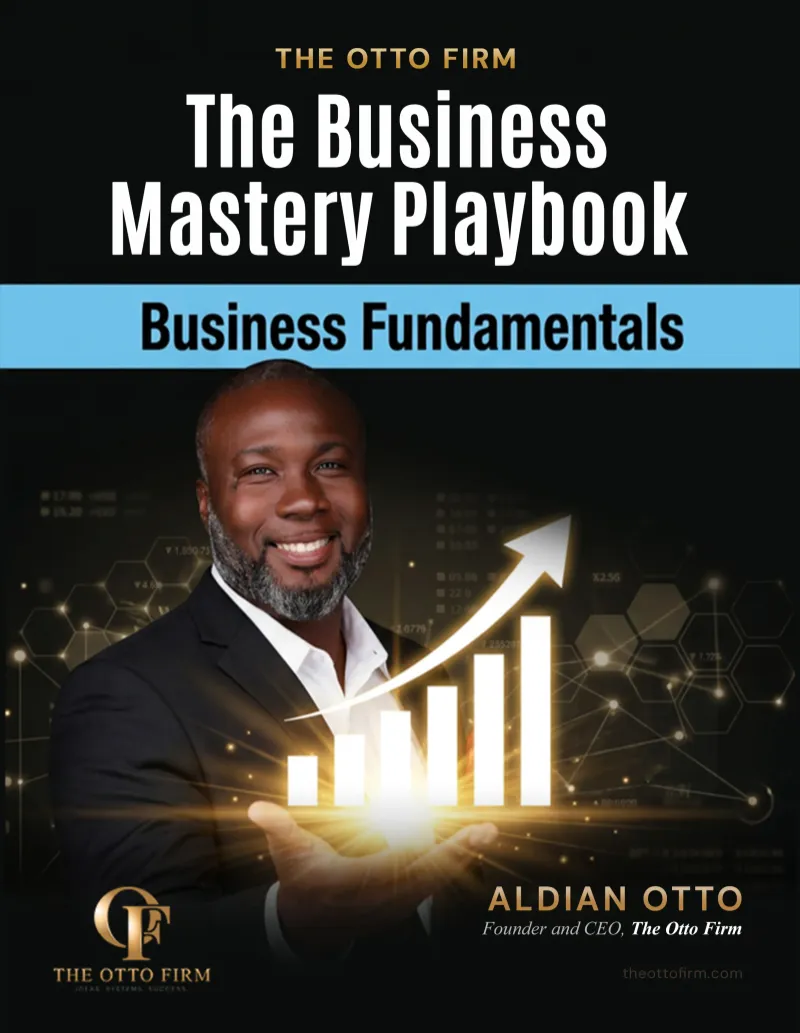
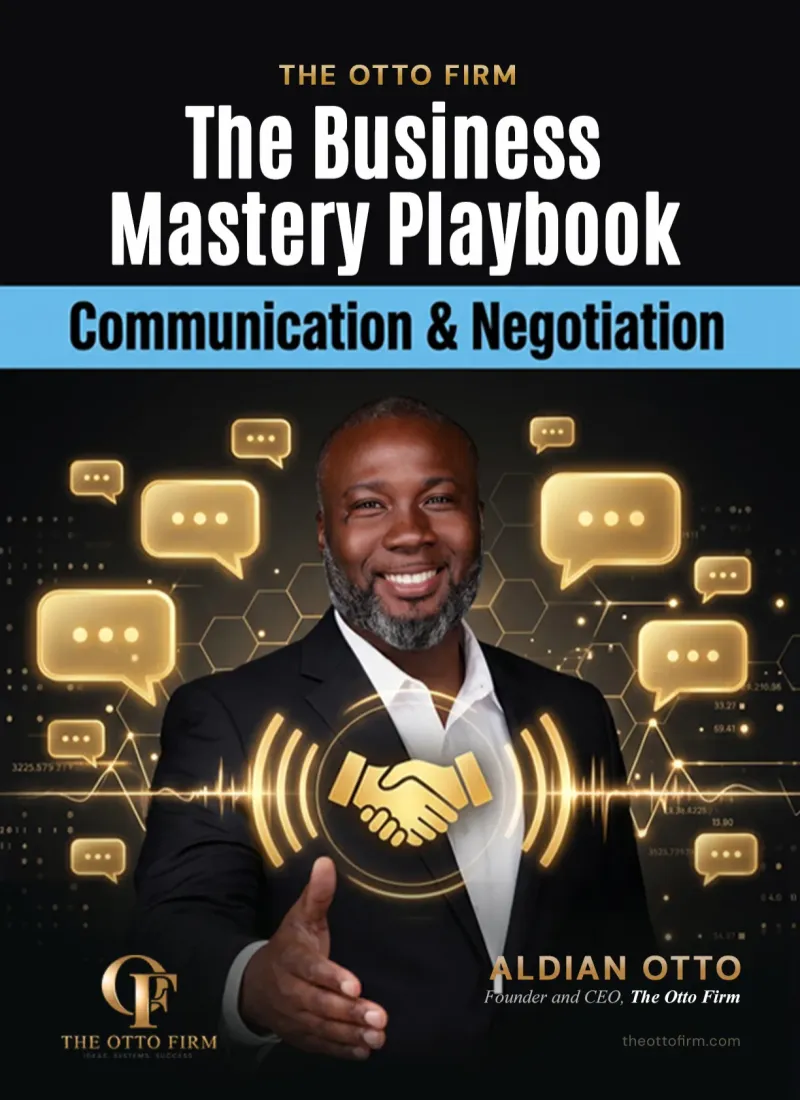
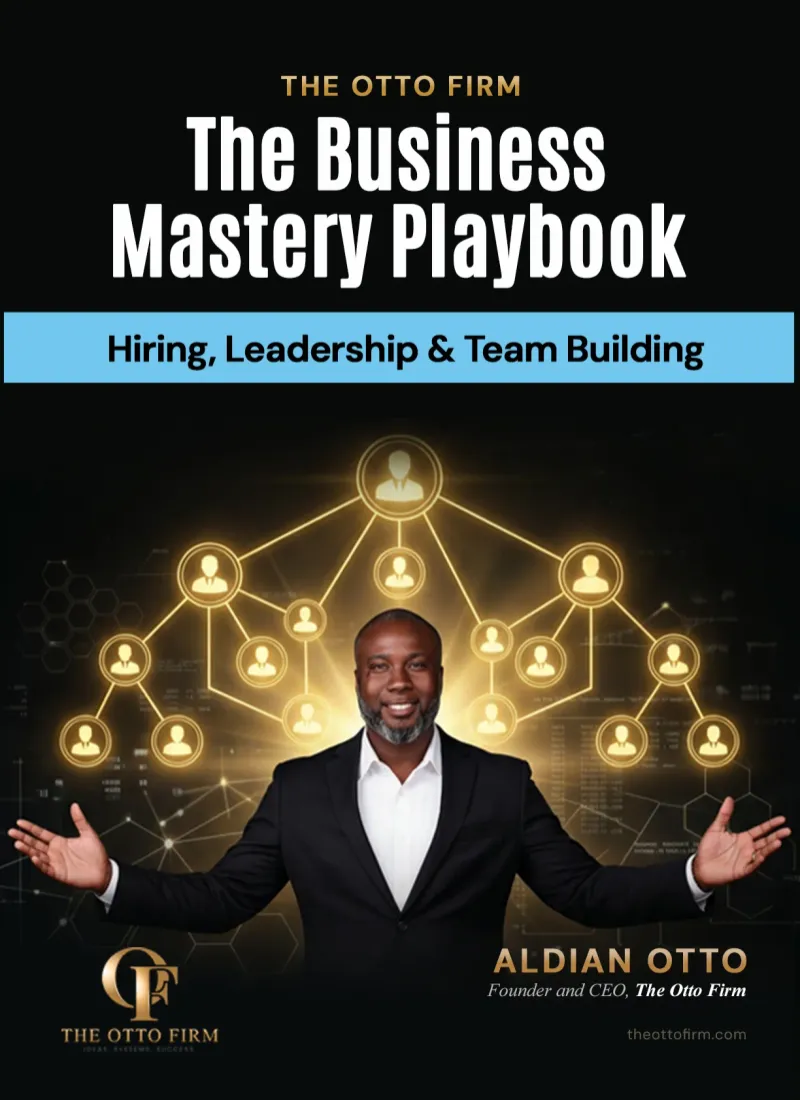
Learn What Successful Businesses Do, One Ebook at a Time
Whether you're launching a startup or leading a growing team, find ebooks that help you make smarter decisions and get results




Let's Make Your Vision A
Reality
At The Otto Firm, we specialize in customizable promotional items designed to elevate your brand's visibility. With a wide range of products tailored for effective marketing campaigns, we empower businesses to make a lasting impression on their audience.
Our mission is simple: to provide innovative marketing solutions that meet and exceed our clients' needs. From branded apparel to tech gadgets, we offer a diverse selection of practical and memorable promotional items for every occasion.
Your Customizable Marketing Merchandiser
Elevate Your Brand and Leave a Lasting Impression with Personalized Promotional Solutions Tailored to Your Business Needs. Stand Out in the Market, Engage Your Audience, and Drive Results with Customizable Merchandise from BrandBoost.
What Client Our Says About Us

Company Name should look
for ones that are specific,
detailed, and highlight the
unique benefits of working with
the company.
Alex John Martin
Manager
Company Name should look
for ones that are specific,
detailed, and highlight the
unique benefits of working with
the company.
Alex John Martin
Manager
Company Name should look
for ones that are specific,
detailed, and highlight the
unique benefits of working with
the company.
Alex John Martin
Manager
Frequently Asked Question
Welcome to our FAQs section, where we address common questions and provide helpful answers about our services as a marketing merchandiser specializing in customizable promotional items. Whether you're new to promotional merchandise or a seasoned marketer looking to enhance your brand's visibility, our FAQs are here to provide clarity and guidance.

Can I customize the promotional items with my company logo?
Yes, we offer customization options to showcase your brand identity.
What types of promotional items do you offer?
We provide a diverse range of customizable merchandise for marketing.
What is the minimum order quantity for personalized items?
Minimum order quantities vary depending on the selected product.
How long does it take to receive my customized items?
Production times vary but are typically within 7-10 business days.
Do you offer rush shipping options for urgent orders?
Yes, we offer expedited shipping options for time-sensitive orders.
See Our Latest Blogs
Stay up-to-date with our latest insights, tips, and trends by diving into our newest blogs. Whether you're seeking industry expertise, marketing strategies, or product inspiration, our blog section is your go-to resource for valuable content.
Best CRM for Service Business: How to Choose the Right One
Every service business runs on relationships: leads, appointments, clients and follow ups. When those live in your inbox, a spreadsheet and your memory, things slip. Finding the best CRM for service business owners is less about the most popular tool and more about the one that fits how you actually work.
This guide explains what a service business needs from a CRM, compares the main types and popular options and walks you through how to choose step by step. You will also learn the setup mistakes that make good software go unused.
Quick Answer
The best CRM for a service business is the one that matches your workflow. Home and field service businesses often fit tools like Jobber or Housecall Pro. Independent professionals often fit client management tools like HoneyBook. Growing teams with a sales process often fit HubSpot, Pipedrive, Zoho CRM or an all in one platform like GoHighLevel. Test with a real client before you commit.
What a Service Business Needs From a CRM
A CRM, or customer relationship management system, is one place to track every lead and client. For a service business, the most useful CRMs go beyond a contact list. Look for these core features:
• Lead capture: web forms and inquiries that land straight in the CRM
• Pipeline: a clear view of where every deal stands
• Scheduling: online booking and appointment reminders
• Automated follow up: emails or texts that go out on a schedule
• Quotes, contracts and invoices: so you can close and get paid in one flow
• Client history: notes, files and past work in one record
• Reporting: simple numbers like new leads, close rate and revenue
You may not need every feature on day one. But the CRM you pick should be able to grow into them without forcing you to switch later.
Signs You Have Outgrown Spreadsheets
Many service businesses start with a spreadsheet, a notes app and a busy inbox. That works for a while. These signs mean it is time for a real CRM:
• You forget to follow up with leads who said “let me think about it”
• You search through texts and emails to find a client’s details
• Two people on your team contact the same client without knowing it
• You can’t say how many quotes turned into paying clients last month
• Invoices go out late because you track them by memory
If two or more of these sound familiar, a CRM can save you time and help you stop losing leads once it is set up properly and used every day by your team.
The Three Main Types of CRM
Most CRMs that service businesses use fall into three groups. Knowing which group fits you narrows the choice quickly.
1. Field Service Management Tools
These are built for businesses that send people to job sites, such as cleaning, landscaping, HVAC, plumbing or repair. Jobber describes itself as home and commercial service software, with features like quoting, scheduling and invoicing. Housecall Pro is another common option in this group.
2. Client Management Tools for Independent Pros
These suit consultants, coaches, designers, photographers and other solo or small service providers. Tools like HoneyBook combine proposals, contracts, invoices, payments and scheduling in one client flow.
3. Sales and Marketing CRMs
These suit businesses with a longer sales process, a team or heavy marketing. HubSpot offers free CRM tools for small businesses, with paid upgrades. Pipedrive focuses on sales pipelines, Zoho CRM is known for customization and GoHighLevel combines CRM, marketing automation and funnels in one platform.
Popular CRMs for Service Businesses Compared
Features and pricing change often, so check each vendor’s website for current plans. Use this table to see which tools are worth a closer look.
CRM | Often a good fit for | What to check |
Jobber | Home and field service businesses | Scheduling, quoting, invoicing and crew features |
Housecall Pro | Home service businesses with crews | Dispatch, payments and booking |
HoneyBook | Independent pros and small studios | Proposals, contracts, invoices and automations |
HubSpot | Growing teams starting with a free CRM | Which features are free vs paid |
Pipedrive | Sales focused teams | Pipeline views and email integration |
Zoho CRM | Businesses that want a custom setup | Customization and add on apps |
GoHighLevel | Businesses that want CRM and marketing in one | Automations, funnels and setup time |
No single tool is best for everyone. A great field service tool may be a poor fit for a consultant. The reverse is also true.
How to Choose the Best CRM for Your Service Business
Step 1: Map Your Client Journey First
What to do: Write down every step from first inquiry to paid, happy client. For example: inquiry, reply, booked call, quote, signed agreement, scheduled work, invoice, review request.
Why it matters: The CRM should support your process, not force you into someone else’s. Your map shows which features you truly need.
Mistake to avoid: Picking software first, then trying to fit your business around it.
Step 2: List Your Must Have Features
What to do: From your map, list the 5 to 7 features you can’t work without. Mark everything else as nice to have.
Why it matters: A short list keeps you from paying for features you will never use.
Mistake to avoid: Choosing the tool with the longest feature list. More features often mean more setup and less use.
Step 3: Check Integrations
What to do: List the tools you already use, such as your calendar, email, accounting software and payment processor. Confirm the CRM connects to them.
Why it matters: A CRM that doesn’t talk to your other tools creates double data entry.
Mistake to avoid: Assuming an integration exists because the brands are popular. Check each vendor’s integration list.
Step 4: Think About Who Will Use It
What to do: Decide who needs access: you, a front desk, field staff or a sales team. Check the mobile app if your team works on the go.
Why it matters: A CRM only works if people use it every day. Ease of use matters as much as features.
Mistake to avoid: Choosing a tool only you can understand.
Step 5: Test It With a Real Client
What to do: Use a free trial or free plan. Run one real lead or client through your whole journey, from inquiry to invoice.
Why it matters: Demos show the best case. A real test shows where things are clunky.
Mistake to avoid: Only clicking around the dashboard. Test the actual steps your team will repeat.
Step 6: Plan the Setup Before You Switch
What to do: Plan how you will move your contacts, set up your pipeline stages, build templates and turn on automations. Pick a start date.
Why it matters: Most CRMs fail because of a rushed setup, not bad software.
Mistake to avoid: Importing a messy contact list without cleaning it first.
Step 7: Train Your Team and Review Monthly
What to do: Show your team exactly how to use the CRM for daily tasks. Review your pipeline and reports once a month.
Why it matters: A CRM nobody updates gives you bad data and false confidence.
Mistake to avoid: Treating setup as a one time project. Your CRM should improve as your business grows.
Free vs. Paid CRM: What to Know
Free plans are a good way to start, especially when you are the only user. They usually cover contacts, a basic pipeline and simple email tools.
Paid plans tend to add the features a growing service business needs: automations, more users, advanced reporting, payments and customer support. Before you choose, check what happens when you outgrow the free plan. Moving to a higher plan in the same tool is much easier than switching to a new CRM later.
Also look at the full cost, not just the monthly price. Setup time, training and add on apps all count.
Red Flags When Choosing a CRM
• You can’t test it before you pay
• It doesn’t connect to your calendar, email or payments
• Your team finds it confusing after a short trial
• Key features you need are locked behind a much higher plan
• Exporting your own data is hard or unclear
Example: A Cleaning Company Choosing a CRM
This is a hypothetical example, not a real client. Imagine a residential cleaning company with two crews and an owner who handles all bookings by text.
1. The owner maps the journey: inquiry, quote, booking, cleaning, invoice, review request.
2. Must haves are online booking, crew scheduling, invoicing and automatic reminders.
3. She shortlists two field service tools because her work happens at job sites.
4. She tests each one with a real recurring client for two weeks.
5. She picks the one her crews find easiest on mobile and plans a clean import of her contacts.
6. After a month, she reviews how many quotes turned into booked jobs.
She didn’t choose the most famous CRM. She chose the one that fit how her business works.
Get Your CRM Set Up the Right Way
Choosing a CRM is only half the job. The setup, from pipeline stages to automations, decides whether it actually helps. At The Otto Firm, we set up and connect CRM systems for owners as part of our 120 day Business Build, so the tool fits the business instead of the other way around.
Frequently Asked Questions
Do I need a CRM if I run a small service business?
If you have more leads or clients than you can track in your head, yes. Even a simple CRM prevents missed follow ups and lost details.
Is a free CRM good enough?
A free CRM can work well when you are starting out. Check which features are limited, since you may need to upgrade as you grow.
Can a CRM handle quotes and invoices?
Many service business CRMs include quotes and invoices, especially field service and client management tools. Others connect to your accounting software instead.
How long does it take to set up a CRM?
A basic setup can take a few days. A full setup with clean data, templates and automations usually takes a few weeks.
Features and pricing change often. Confirm current details on each vendor’s website before you decide.
Your Next Step
The best CRM is the one your team will use every day. Map your client journey, list your must haves, test with a real client and plan the setup before you switch.
Want to see which systems your business is missing? Take the free Business Readiness Assessment to see where you stand, or book a free strategy call at theottofirm.com.
About the Author Aldian Otto is the founder of The Otto Firm, a business consulting firm that helps entrepreneurs build businesses that are ready to run. He works with owners on strategy, operations and systems so their companies can grow with structure. |

About Us
Brand your success with personalized promotional merchandise that captivates your audience.
Social Media


Contact Us
Phone: (561) 984-9945
Email: [email protected]
1501 Biscayne Blvd Ste 501, Miami Florida 33132
Copyright© 2026 The Otto Firm - All Rights Reserved.